Activation Tiles
Learn how Activation Tiles enhance Imprints with interactivity, data capture and branded experiences.
Overview
Imprints can be enhanced with a range of Activation Tiles that go beyond static content. These tiles introduce interactivity, capture audience data and create opportunities to motivate deeper engagement. They are the foundation of Amondo’s engagement capabilities.
Activation Tiles include:
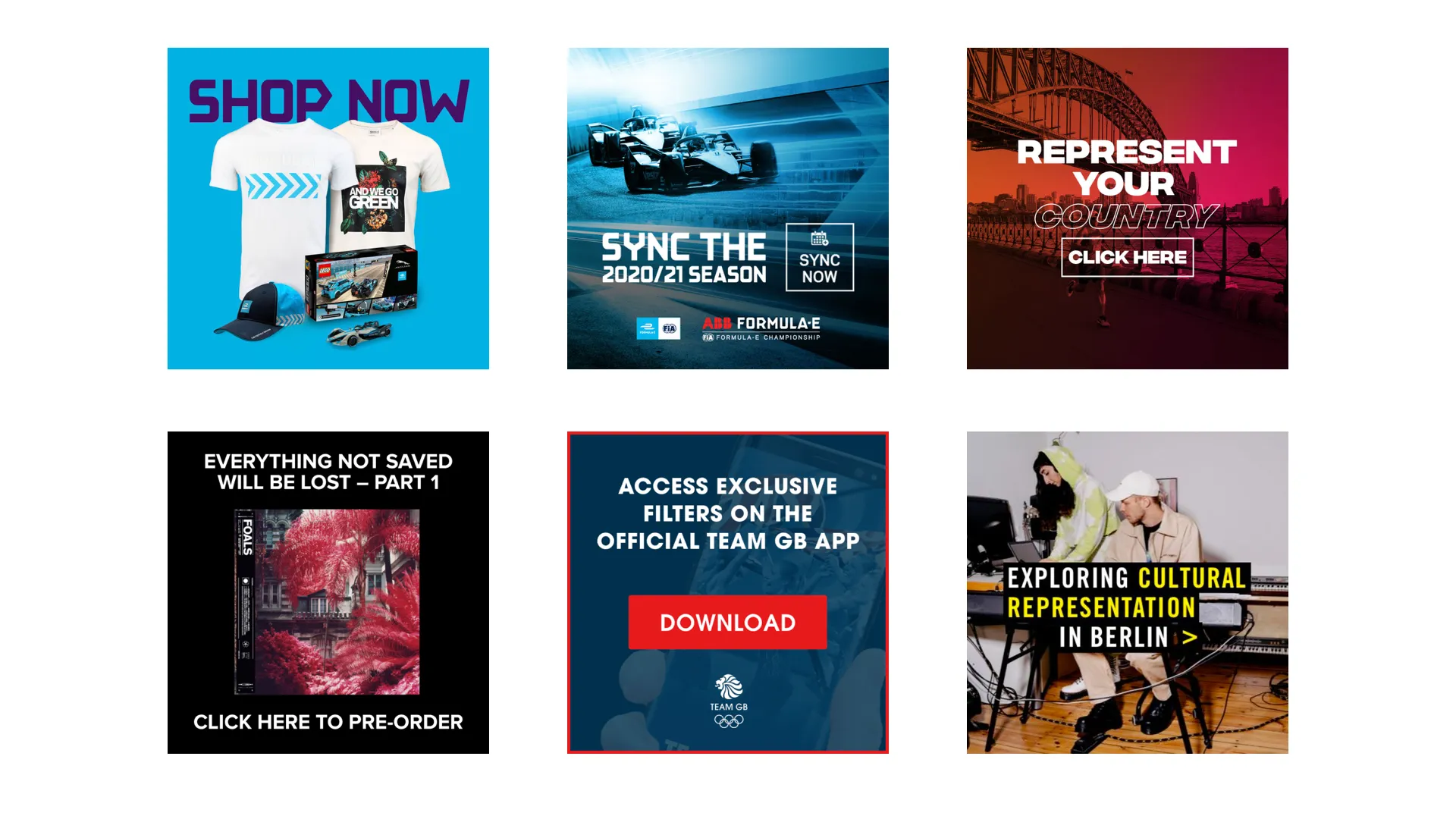
Range of example Activation Tiles
Brand Tiles
Add Brand Tiles to feature logos, amplify messaging and showcase partnerships. They are a simple way to bring brand visibility into any Imprint.
Supported formats: Grid, Carousel, Stories, Screen
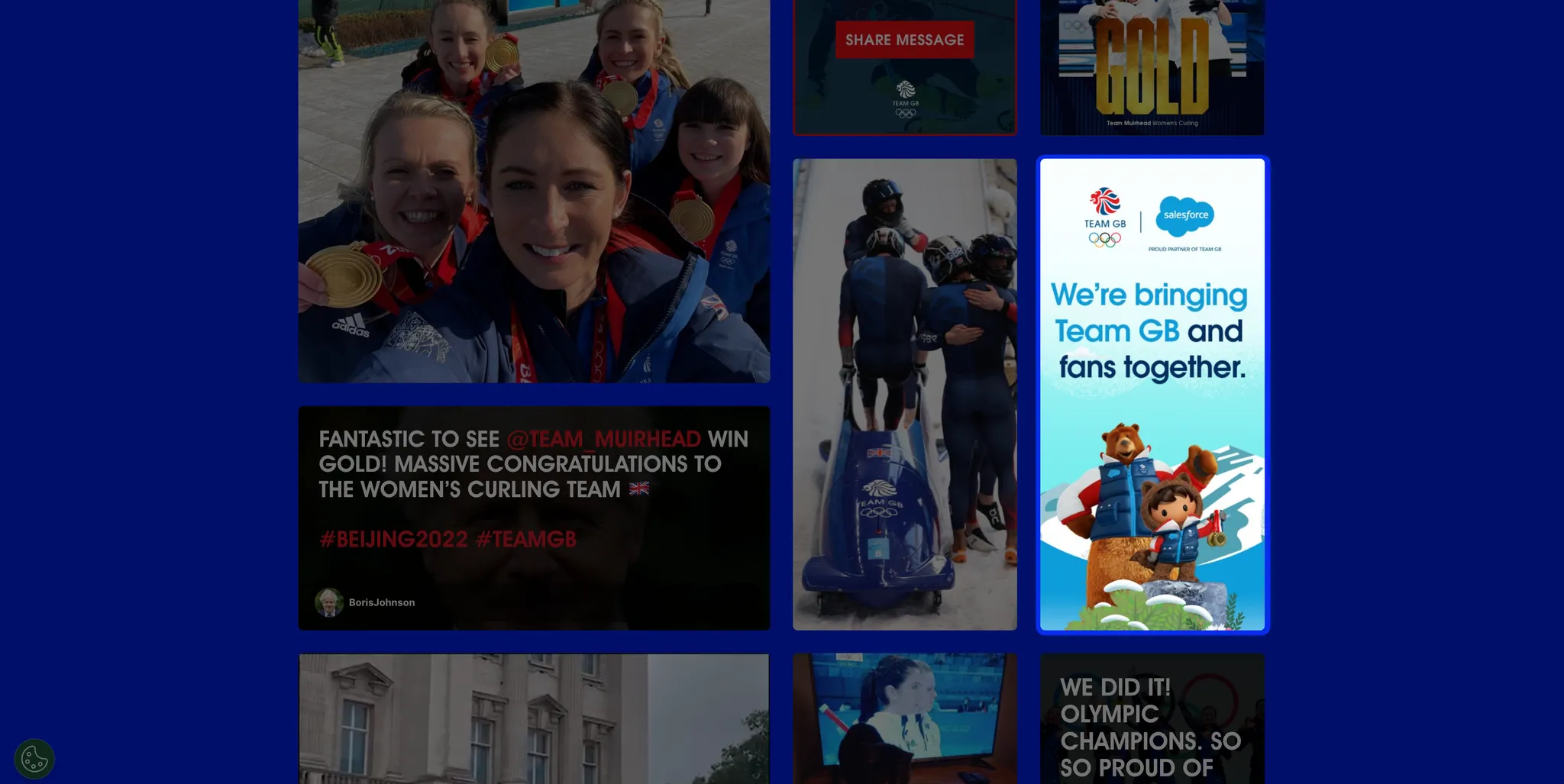
Clickthrough Tiles
Clickthrough Tiles direct audience journeys and facilitate conversions. They can promote products, events or content and are fully customisable with calls to action.
Supported formats: Grid, Carousel, Stories
Learn how to set up Clickthrough Tiles here
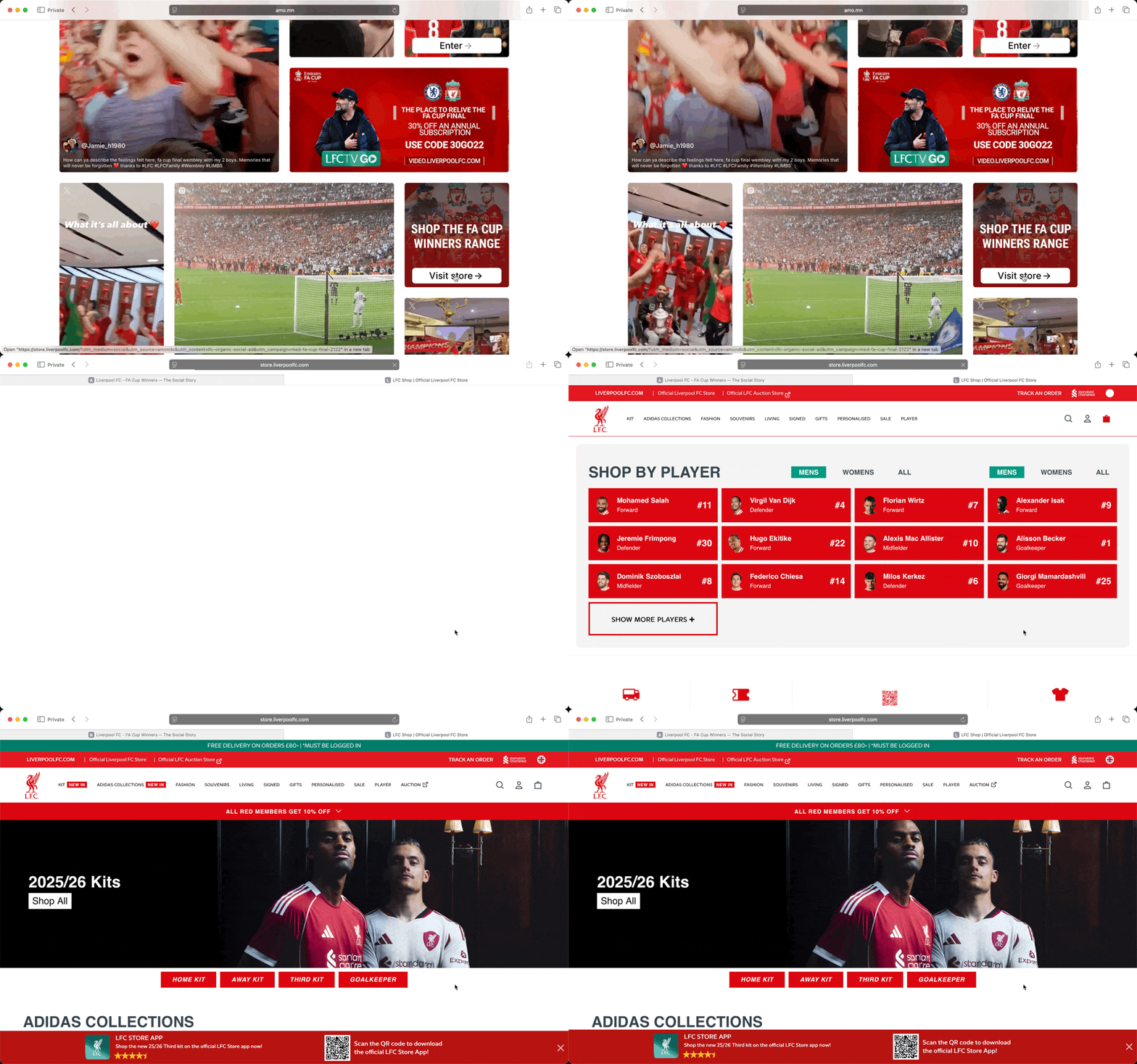
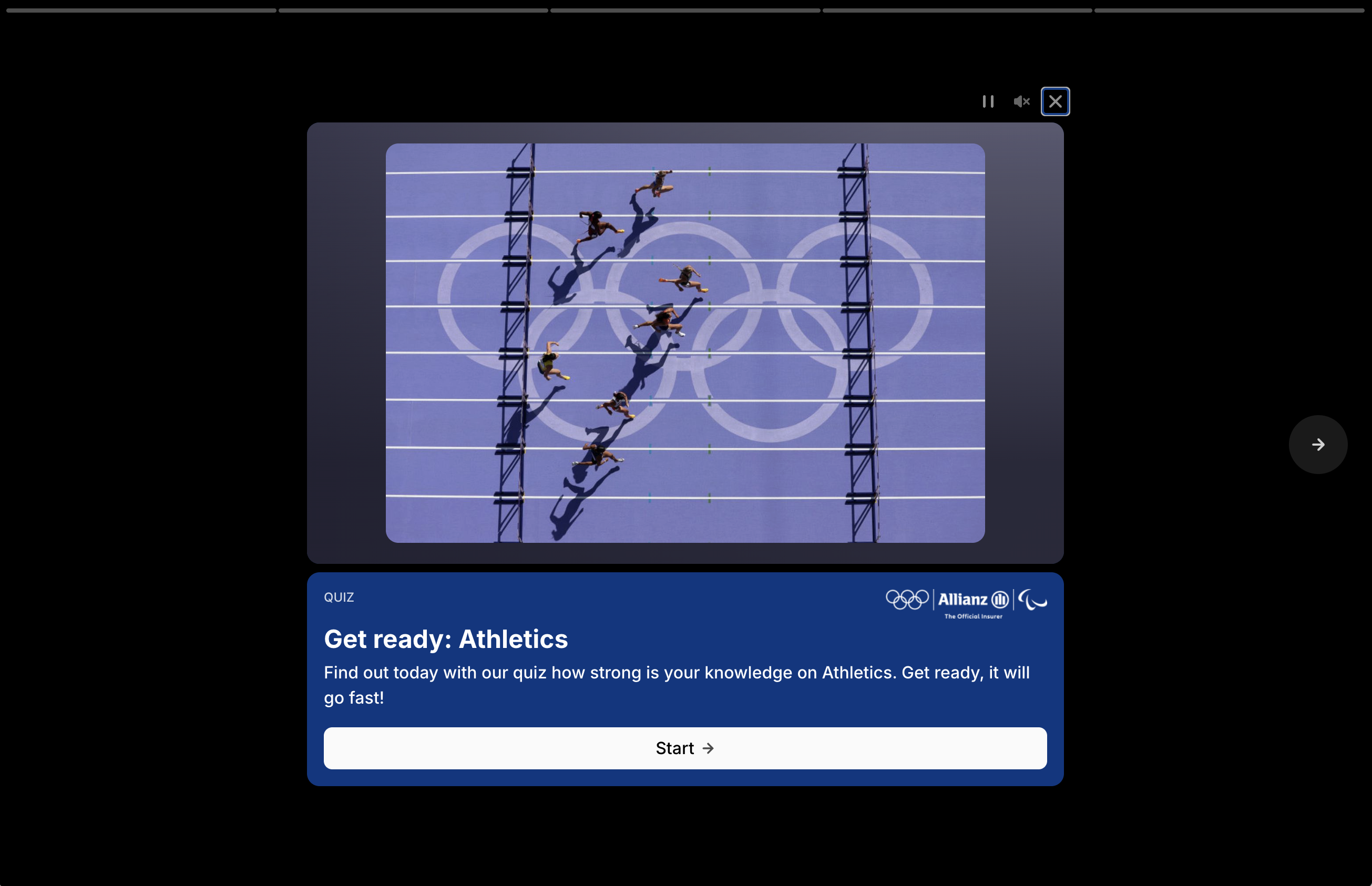
Quiz Tiles
Quiz Tiles drive active engagement and capture first-party data. They can be customised with branding, synced to databases and exported for reporting.
Supported formats: Grid, Carousel, Stories
Learn how to set up Quiz Tiles here.
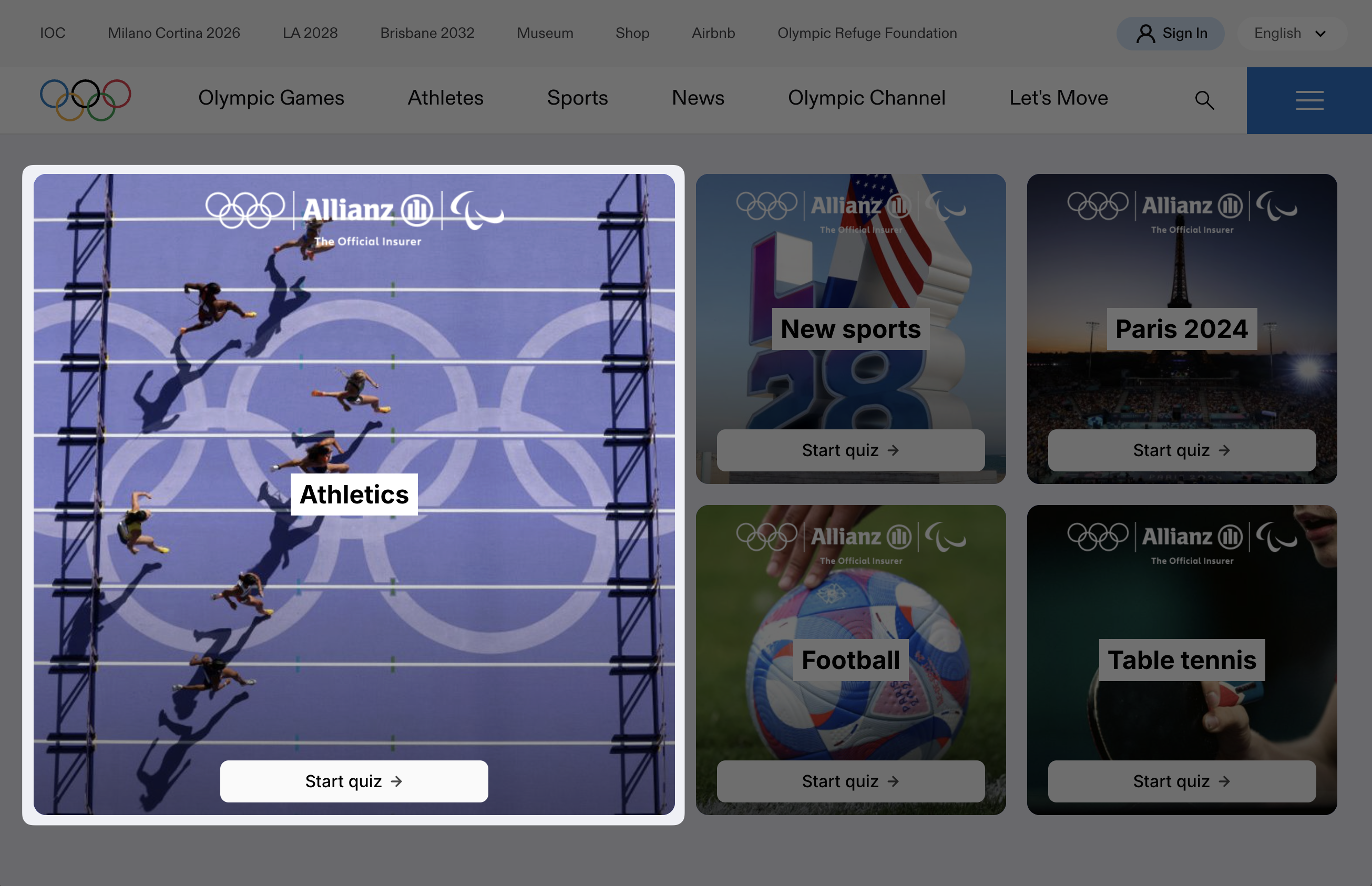
QR Code Tiles
QR Code Tiles display a scannable QR code inside an Imprint. Use them to move viewers from a live display, screen or physical placement into a mobile web journey.
Supported formats: Grid, Carousel, Stories, Screen
Form Tiles
Form Tiles capture structured data from your audience. Use them to generate leads, drive sign-ups or collect survey responses.
Form Tiles support text, email, multiple-choice and Yes/No inputs, so forms can capture both free-text responses and predefined answer selections inside the Imprint experience.
Supported formats: Grid, Carousel, Stories, Screen (via QR code linking to form on web/app)
Learn how to set up Form Tiles here.
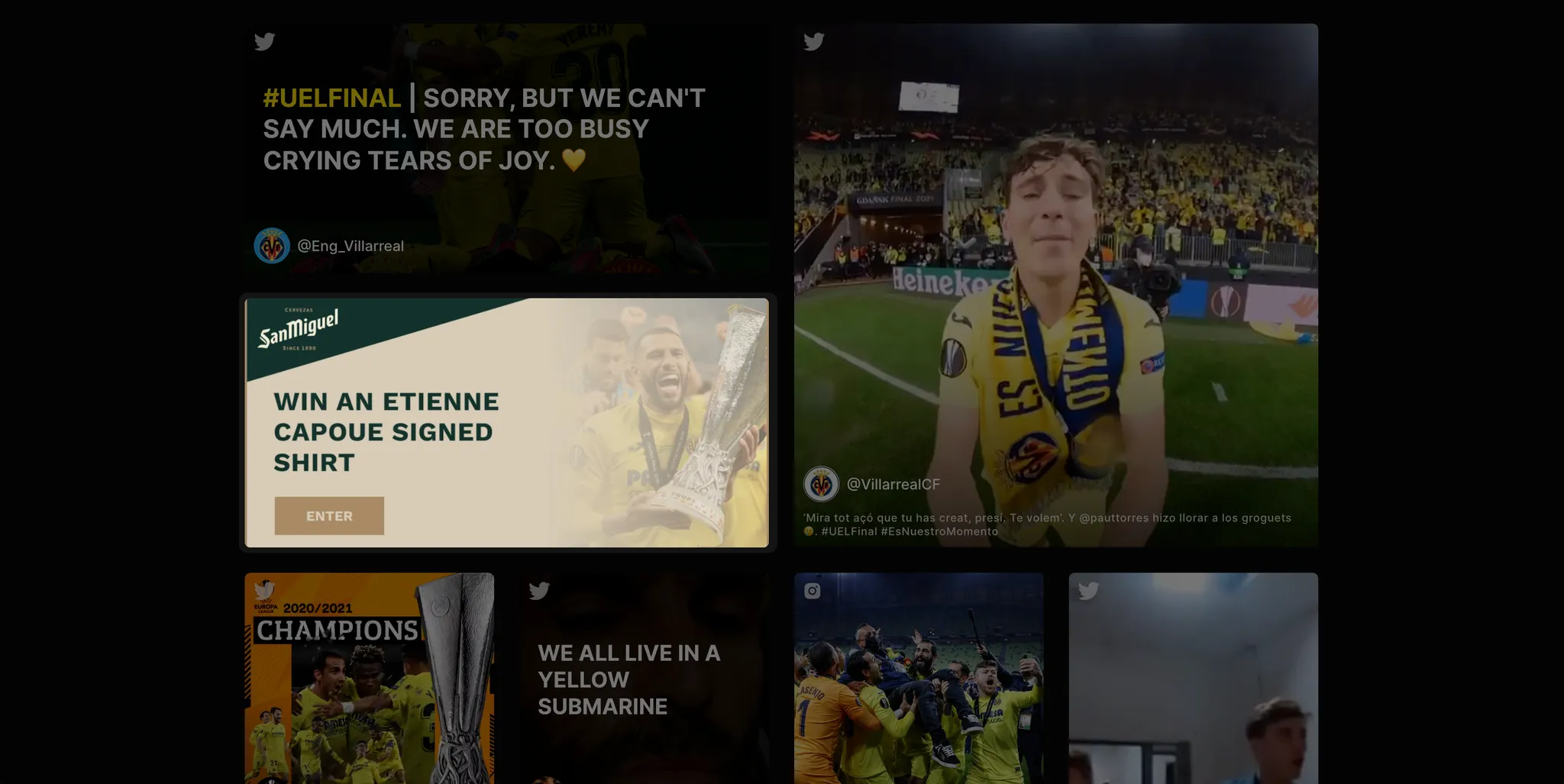
Form Tile in Imprint Gallery
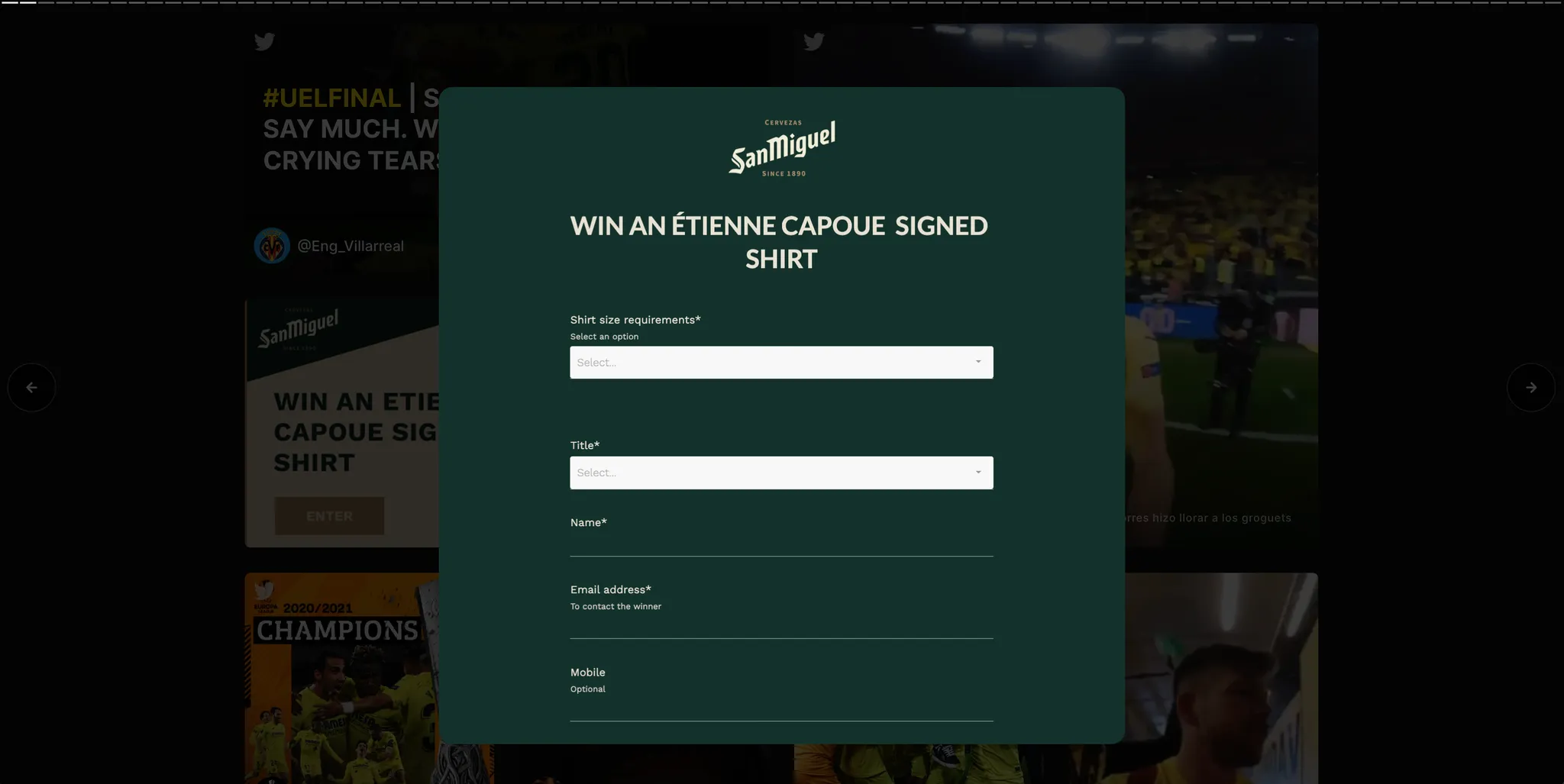
Form in Frame
Submission Tiles
Submission Tiles enable users to submit photos or videos. Submissions are moderated in the dashboard and include built-in rights and permissions capture.
Supported formats: Grid, Carousel, Stories, Screen (via QR code)
Learn how to set up Submission Tiles here.

Submission Tile in Imprint Gallery
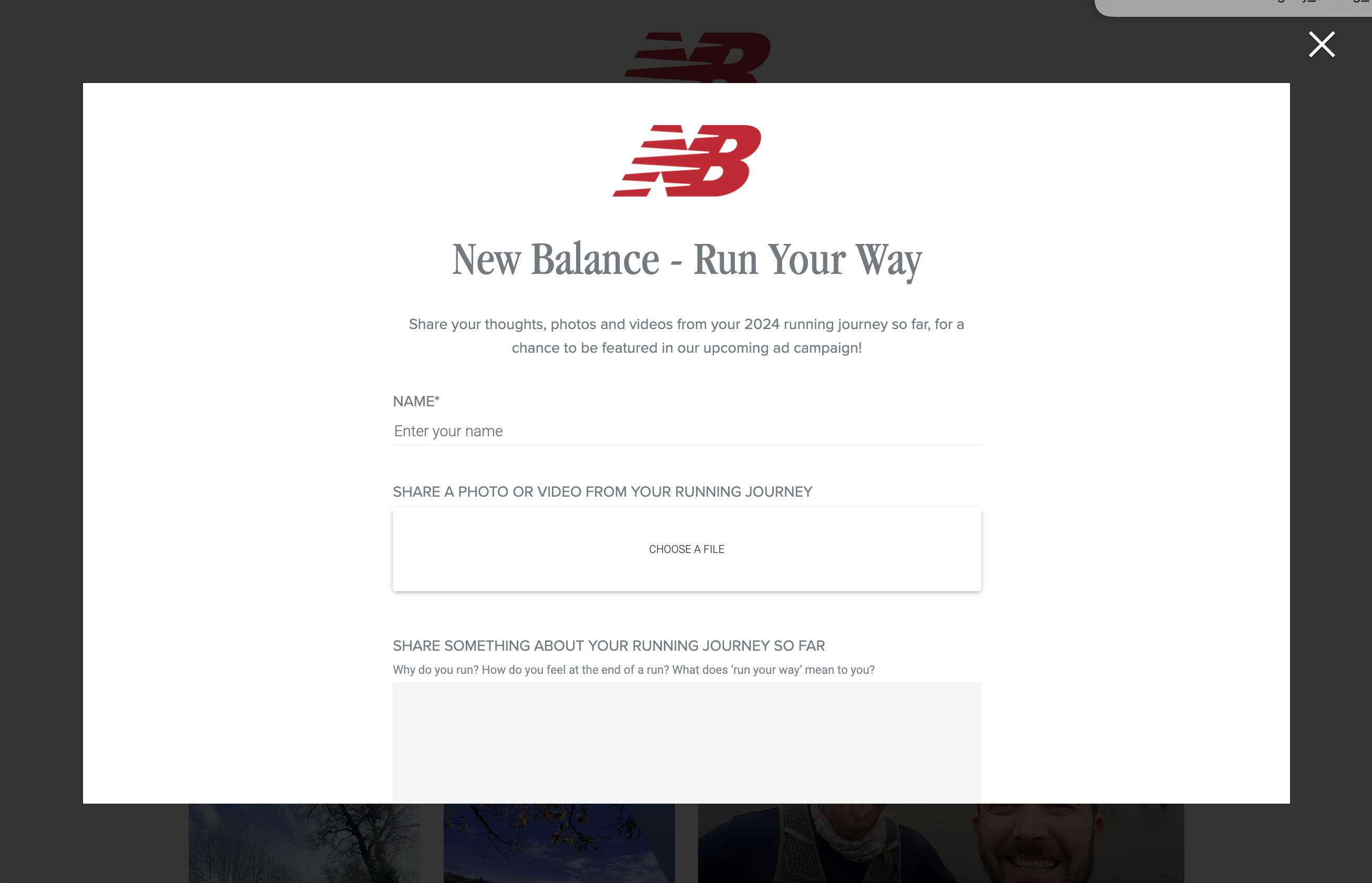
Submission Form in Frame